OnedriveMapper V6

Yes. A new version of OnedriveMapper, who would have thought?

I had this item on my wishlist to get rid of the selenium depedency and the edge web driver. And finally, that time has come! No more dependencies, just vanilla AADJoined Windows 11 is all you need 🙂

Get yourself to https://github.com/jflieben/OnedriveMapperV5 and enjoy!

It runs silently and uses Edge. As long as you’ve configured Edge to do SSO, it’ll follow that.

M365AutoLink unattended

Doing logon scripts is easy for some, less easy for others, and in general not great in certain types of environments.

And this led to some questions if I could also make a version of M365AutoLink that can run centrally. There was a hurdle to overcome: how do we know what libraries a user has access to?

M365Permissions already has the answer, so a quick copy paste from the code there and voila, we now have a centrally runnable version of M365AutoLink!

It can run either as managed identity, or cert-based service principal. I recommend running it as a runbook, and don’t run it on tenants with thousands of users or commercially….for commercial use click here 🙂

For full documentation and code: https://github.com/jflieben/M365AutoLink

Mass changing link type in Sharepoint or Onedrive

Sharing links in Onedrive/Teams/Sharepoint can be of the View, Edit, Review or No Download type.

There is no official Graph API or PnP module call that can be done to modify a link, it has to be done manually in the GUI as per Microsoft.

That didn’t work for me, as I’m working on some migration scenario’s where all links have to keep working, but should not allow users to edit or download the files.

So I did some digging, turns out there is a ShareLink GetSharingInformation endpoint that can be called for any object.

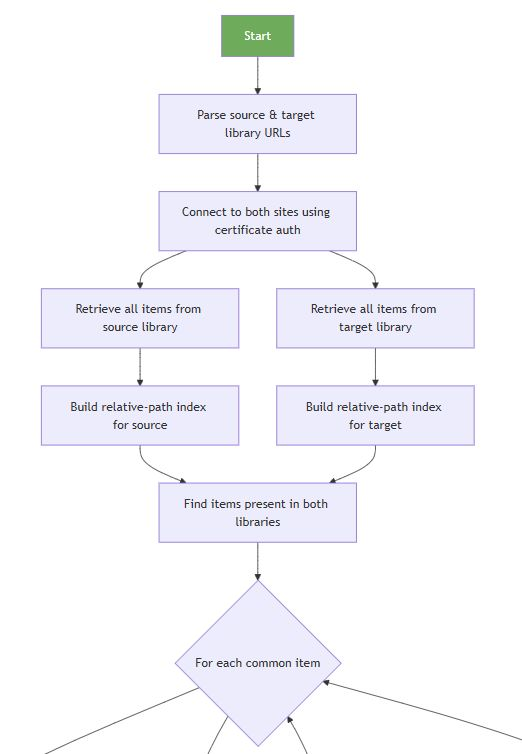
And with good ‘ol Claude, a script was built and tested in half an hour that iterates over a given sharepoint site(s) or a specific file and adjusts the link. I’ve made it configurable and use certificate based auth, enjoy!

https://github.com/jflieben/assortedFunctionsV2/blob/main/Update-SharingLinks.ps1

Unexpected Onedrive Owners

How do you know who the original owner of a Onedrive site was?

The url says a lot, it’s usually in a username_domain_com format. If you have a fixed naming structure and don’t use _’s or other characters that are translated to _, it can be reversed with reasonable accuracy, right?

But what if you have two people with the same name? Or did some migrations or takeovers? Then your logic breaks 🙁

So reverse engineering the URL won’t work, and if an admin takes ownership or if the user leaves and the manager gets ownership, the Owner/Full Control ACL on the site also won’t tell you who the original owner was because it overwrites the Owner property.

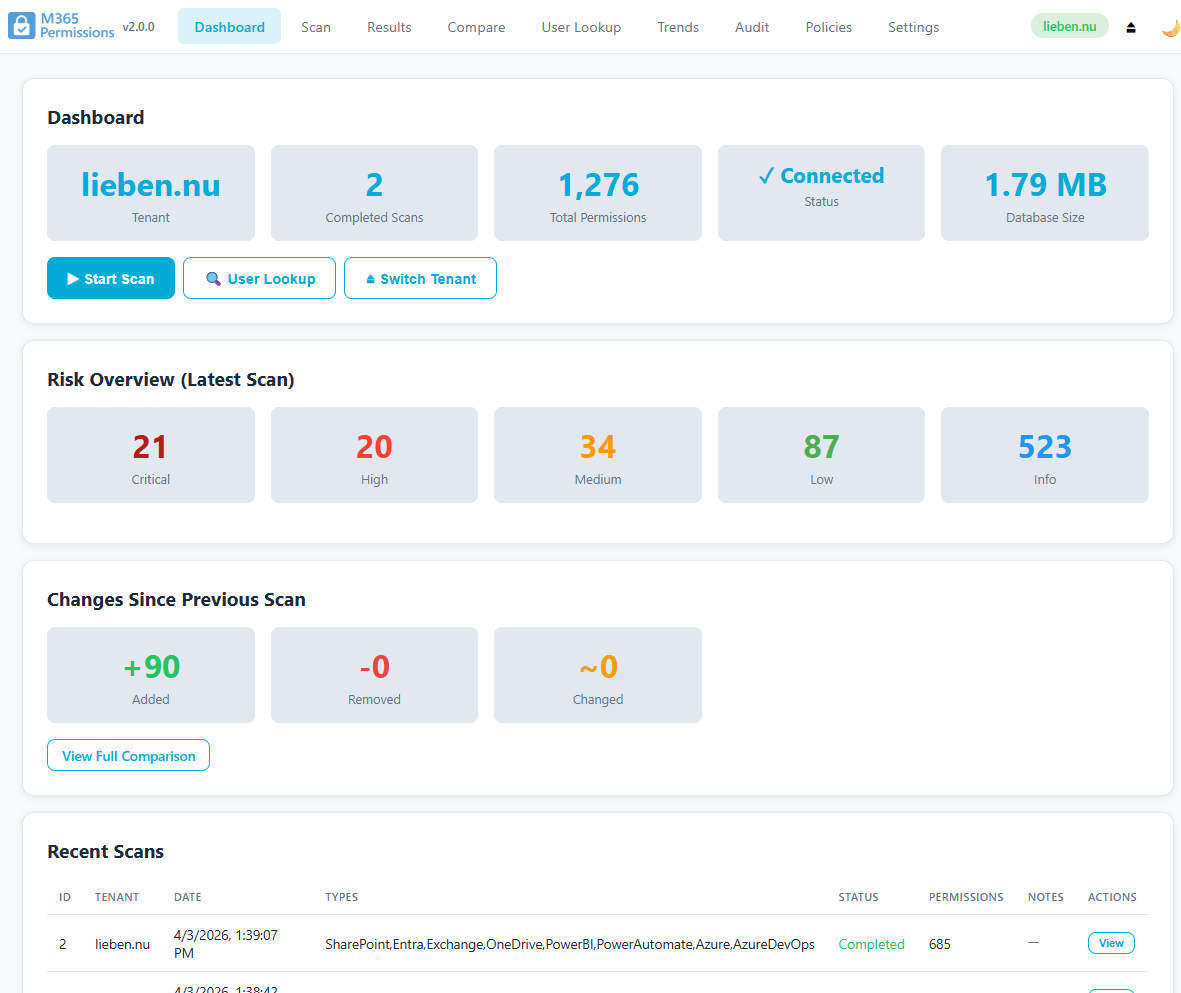
In M365permissions the option to audit ownership of Onedrive is built in, as this is a common question during certain types of audits.

But how did we solve it there?

Well, it turns out that Sharepoint’s own metadata service maintains a pretty good track record of who was ever a user on a site, even after they are deleted from Entra.

Thus by doing a call to /_api/web/siteusers?$orderby=Id, we get a nicely ordered list of all users ever assigned to the site.

Pick the first non-system user, and we have our original user! See above 🙂

Microsoft 365, Azure, Automation & Code