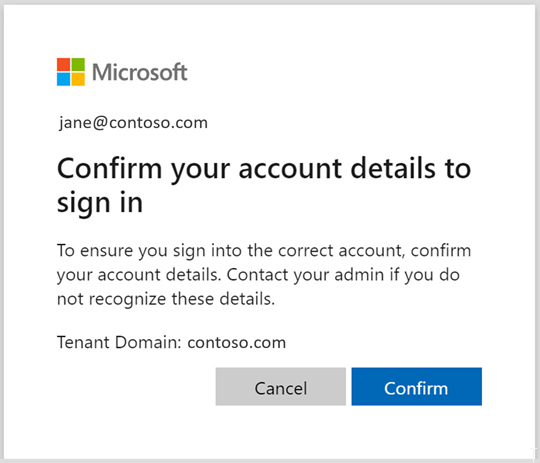
Microsoft is planning to modify the Office 365 sign in process slightly by September 15th or October 1st and has kindly supplied advance notice and support for OnedriveMapper, but only for V3.29+ and V5.15+
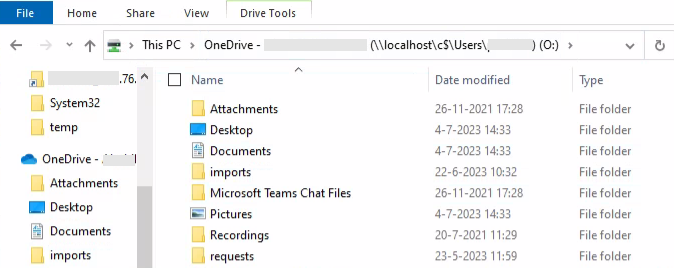
For a basic scenario where users are unwilling or unable to navigate to the Onedrive folder in their profile, the following script will ensure all users on a given machine get their Onedrive profile folder mapped to the O: drive, it auto-installs as scheduled task at logon.
V3.29 was just uploaded to Git, it fixes an issue where Microsoft no longer accepts the ‘ContentType’ header with GET requests to login.microsoftonline.com when set to “application/x-www-form-urlencoded”
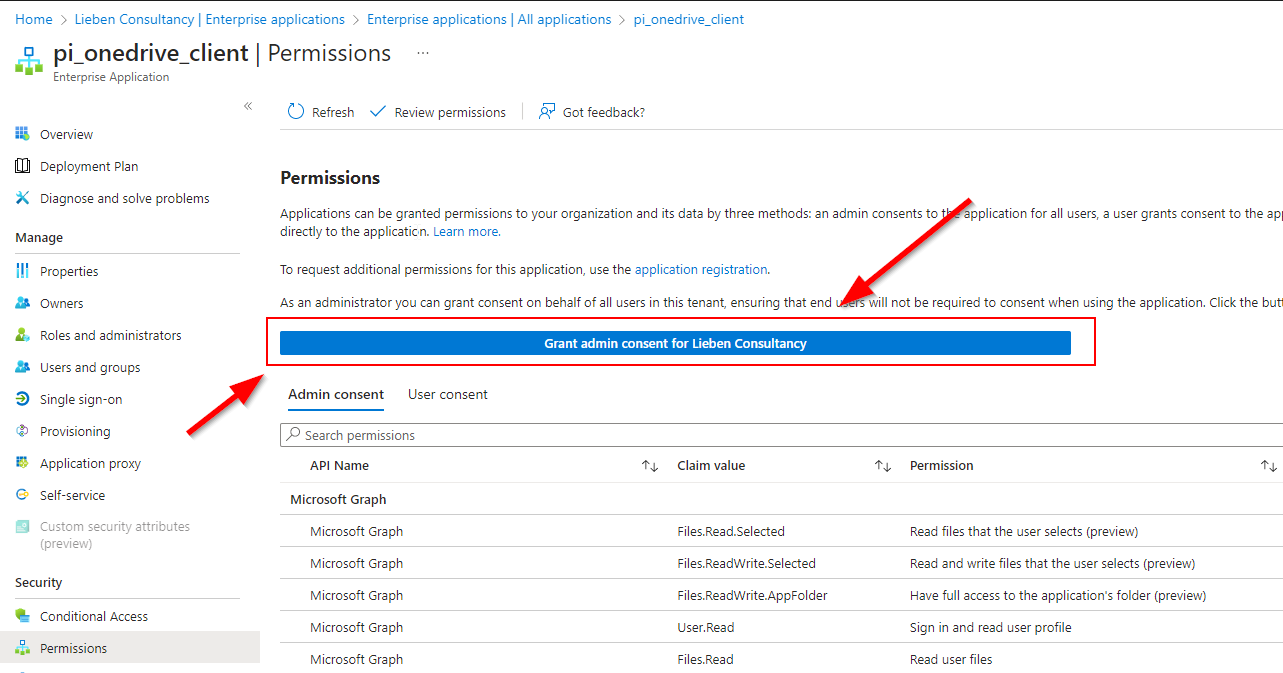
Most articles and e.g. az module commands allow you to do an admin consent on an application object.
However, Service Principals have the same option in the Azure Portal:
In my scenario I have control over both the hosting tenant of this multi-tenant app registration, so I could use the requiredResourceAccess property to read all Oauth2permissiongrants and approleAssignments from the source app registration to re-apply it to the service principal in the consuming tenant.
The result is similar to consenting through the admin portal but does not require user interaction / is fully headless, ideal for when you’re adding scopes/roles to an application and don’t want to have to do a manual reconsent in all managed tenants.
It requires DelegatedPermissionGrant.ReadWrite.All and AppRoleAssignment.ReadWrite.All graph permissions for the calling principal (user or application).
If you don’t have access to the source tenant (e.g. multi tenant), you can also simply create a hashtable with the required permissions (manual definition or export from the application manifest).