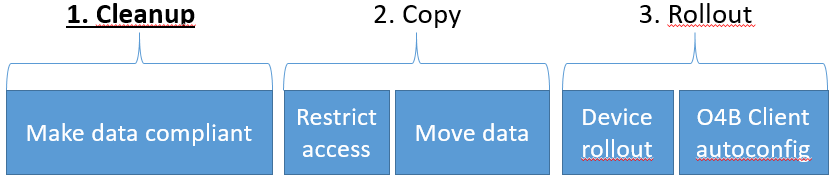
This is the first post in a series about moving to Onedrive for Business and/or Sharepoint Online from traditional fileshares and/or homedirectories, in bulk, without user interaction.
This script is an addition to O365Datacleaner and will allow you to run the original script over many target locations simultaneously, using a CSV file as input.
This is the simplest and most reliable method currently available to make, for example, all the data on your fileservers spread out over homedirectories completely compliant with Onedrive for Business or Sharepoint Online’s requirements.
If you want to use the Sharepoint Online Management Shell module for Powershell to view user permissions on your Sharepoint Online site, start a Powershell window as admin. If you’re not running as admin you’ll have to add the module path to your environment variable like this:
Do you remember Microsoft raised the maximum storage in Sharepoint Online to 1TB last year?
Well, if you look at the Office 365 roadmap, Microsoft has announced it is also increasing the FREE storage each tenant gets by default to 1TB (from 10GB) in Sharepoint Online. The additional SP Online storage per licensed user remains the same at 500MB / user.